
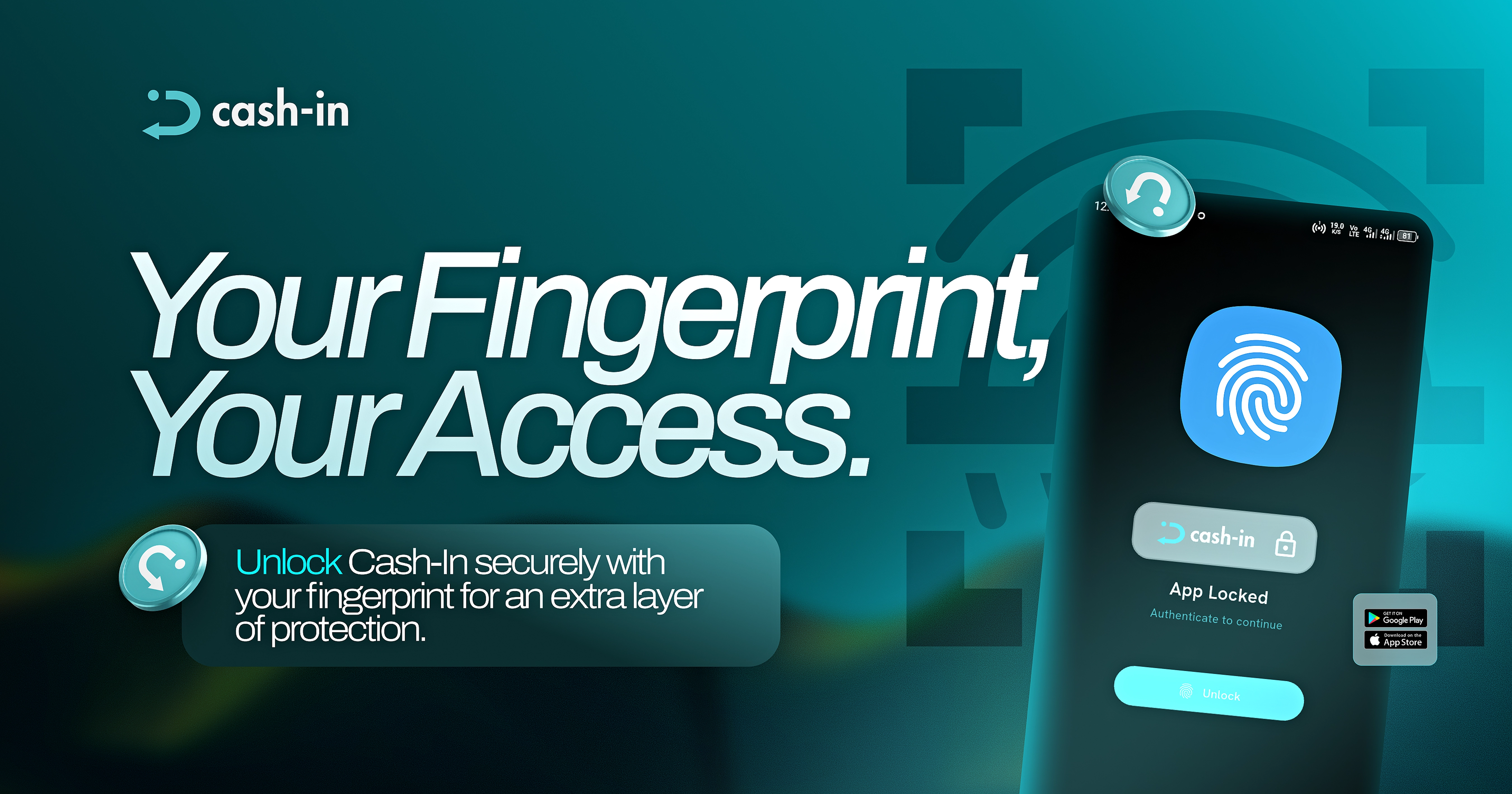
An extra layer of protection, right at your fingertips.
Cash-in now lets you lock the app with your fingerprint, adding another layer of protection to your Cash-in experience.
Added protection for your account
Your Cash-in account contains important financial information, including your earnings and transaction history.
Fingerprint app lock adds an extra layer of security, helping prevent unauthorized access to your app and reducing the risk of someone accessing your account without your consent.
This added protection gives you greater control over who can access your Cash-in app.
How to enable fingerprint app lock
1. Open your Cash-in app.
2. Go to the Profile section.
3. Tap Enable Passkeys.
4. Follow the on-screen prompts to set up fingerprint authentication.
5. Once enabled, use your fingerprint when prompted to unlock your Cash-in app.
Simple security
Fingerprint authentication gives you a convenient way to protect access to your app without needing to enter your credentials every time the lock is triggered.
It's a simple security feature designed to give you more control over access to your Cash-in account.
Keep your Cash-in app protected with a simple fingerprint check.