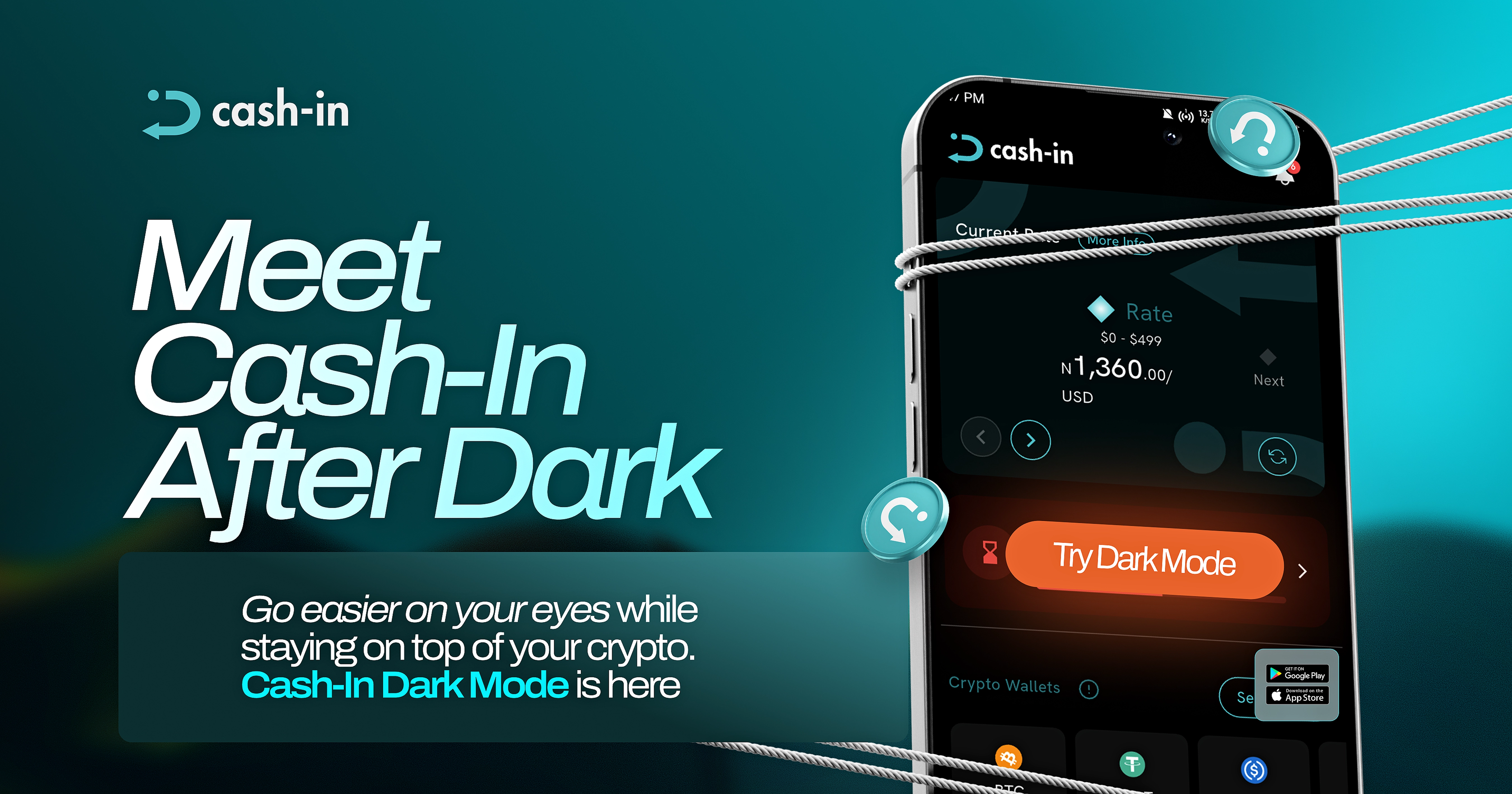
A new look for your Cash-in experience.
Cash-in lets you switch to Dark Mode, giving you another way to personalize how the app looks.
A different way to view Cash-in
Looking at a bright screen for extended periods can feel uncomfortable for some people, especially in low-light environments.
Dark Mode offers an alternative with a darker interface, giving you another option when you prefer a less bright screen.
Whether you prefer a light or dark appearance, you can choose the look that feels right for you.
How to enable Dark Mode
1. Open your Cash-in app.
2. Go to the Profile section and tap Select Theme under App Settings.
3. Select Dark Mode, and that's it!
4. The app will switch to the darker appearance.
Your preferred Cash-in experience
Dark Mode gives you more flexibility to personalize how your Cash-in app looks and choose an appearance that suits your viewing preference.
It's a simple addition that gives you more choice in how you use the app every day.
Your Cash-in experience, your preferred look. Welcome to Dark Mode.