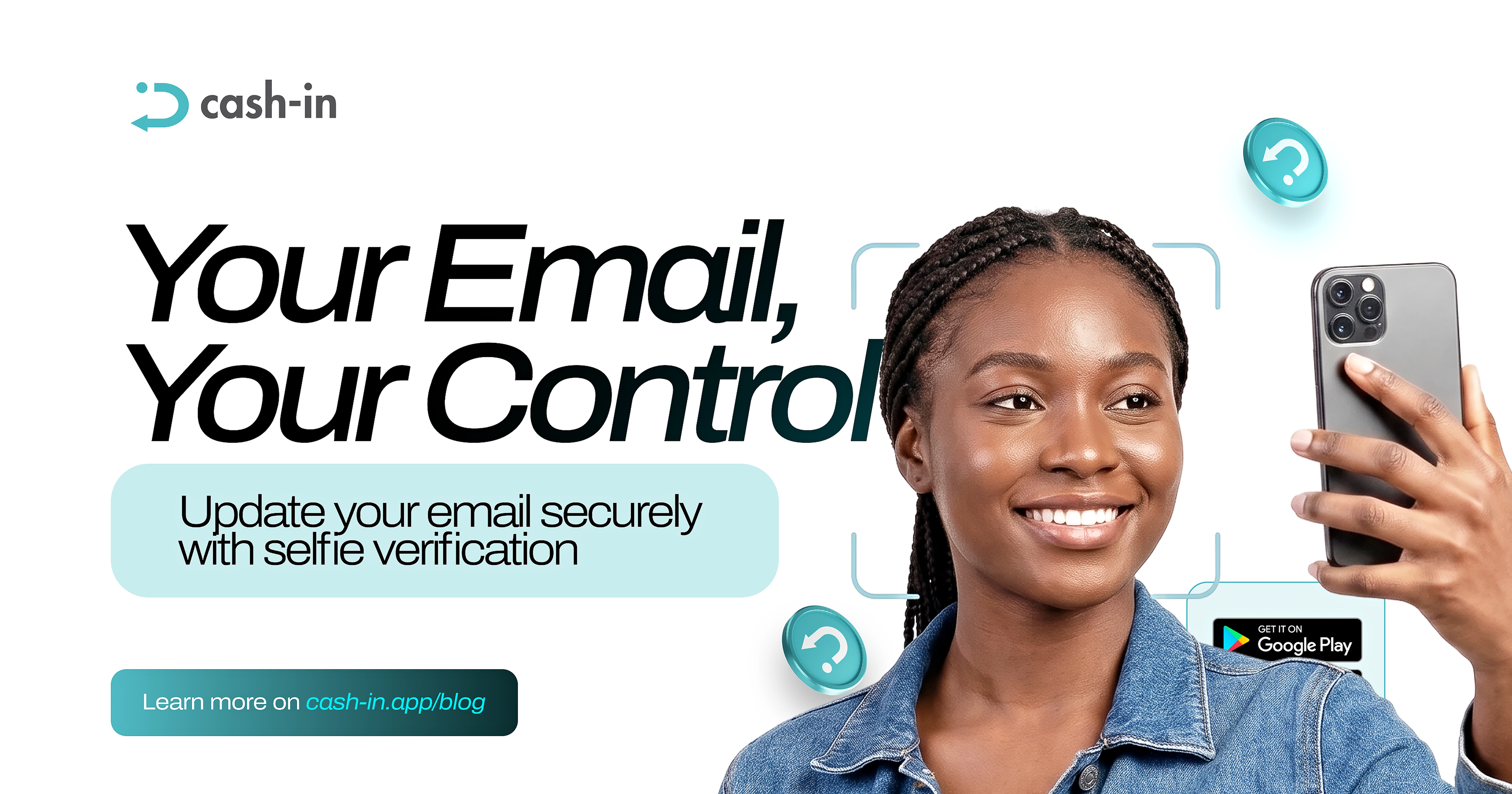
Updating your email just got easier.
Cash-in now lets you change your account email with an additional liveness check, helping protect your account when making this important change.
Security when it matters
Your email is an important part of your account, so changing it needs to be handled carefully.
With the improved email-change process, Cash-in uses a liveness check as part of the verification process.
How to change your email
1. Open your Cash-in account.
2. Go to your Profile section.
3. Select the option to change your email under KYC Level.
4. Tap Change Email and enter your new email address.
5. Follow the verification instructions.
6. Complete the required selfie or liveness check.
7. Submit your request.
8. Once verified, your email address will be updated.
A safer way to update your details
Cash-in makes the process more convenient while adding an extra identity check to help protect your account.
Need to change your email? Cash-in now makes the process more secure with liveness verification.